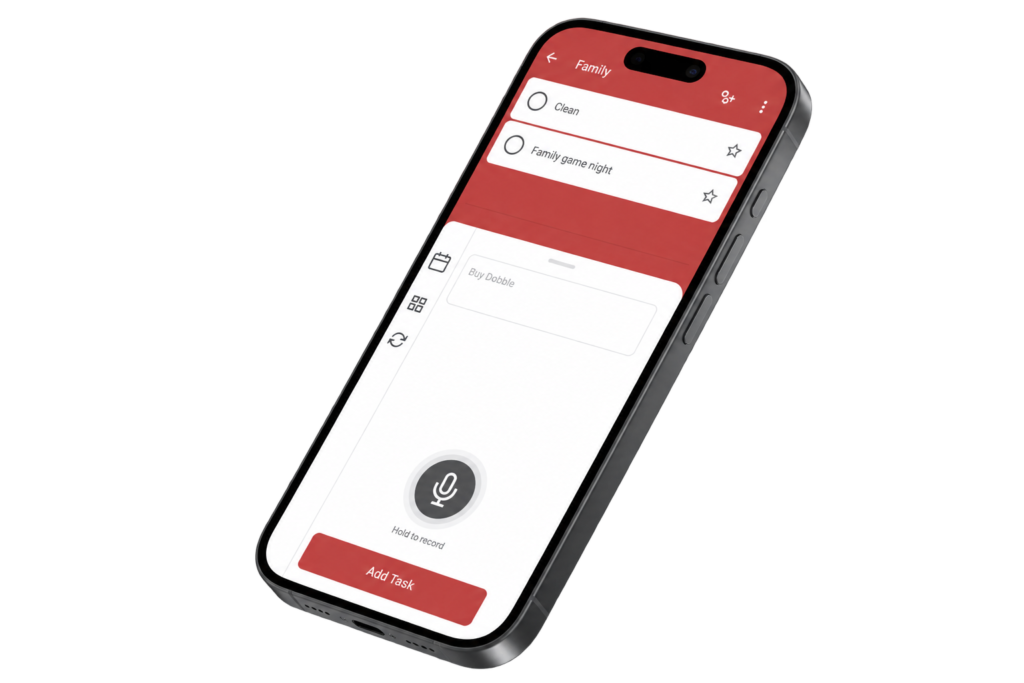
Microsoft To Do

Microsoft To Do -
Quick Add Task Flow

Role

UX Designer

Timeline

1 Week

Key Activities

App Review Analysis • UX Evaluation • Interaction Design • Prototyping • Usability Testing

Deliverables

Interactive Figma Prototype

The Opportunity

Microsoft To Do makes it easy to organise everyday tasks, but adding a task still requires users to stop what they are doing and interact with their phone. I saw an opportunity to explore a hands-free alternative, using voice input to make it easier to capture tasks when typing isn’t convenient.

Research & Evaluation

App Review Analysis

I reviewed online user feedback about Microsoft To Do to understand how people capture tasks in everyday situations and identify opportunities to make task entry more convenient. The research highlighted the importance of quickly capturing a thought without interrupting what the user is already doing.

View key insights

Quick capture matters
Users value being able to record a task as soon as they think of it, particularly while moving between activities.

Voice provides an alternative to typing
User feedback showed interest in creating tasks through voice when interacting directly with the phone is inconvenient.

Simplicity should be preserved
Microsoft To Do is valued for its straightforward interface, so any new input method needed to complement rather than complicate the existing experience.

What Users Said

“It'd be great to be able to dictate when adding tasks in the app.”

Microsoft To Do user
Microsoft Community
“You should add a record note where a person can use voice as well.”
Microsoft To Do user
App Store review
The Design Process

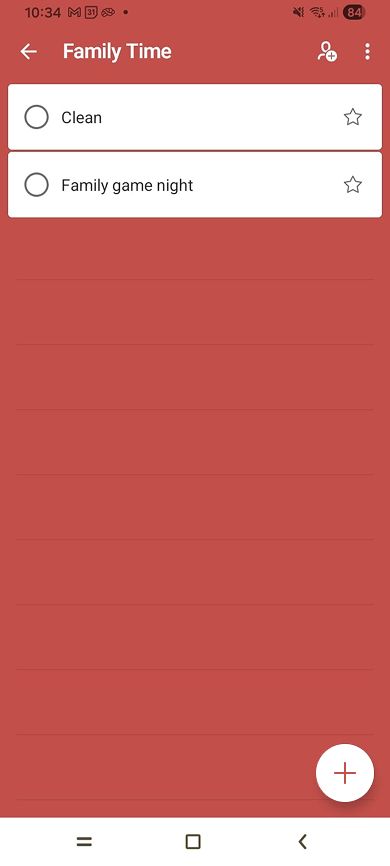
Based on the opportunity identified through user reviews, I explored how a hands-free task creation feature could fit naturally into the existing Microsoft To Do experience. I focused on keeping the interaction familiar while introducing voice as an alternative way to create a task.

Designing the Voice Feature

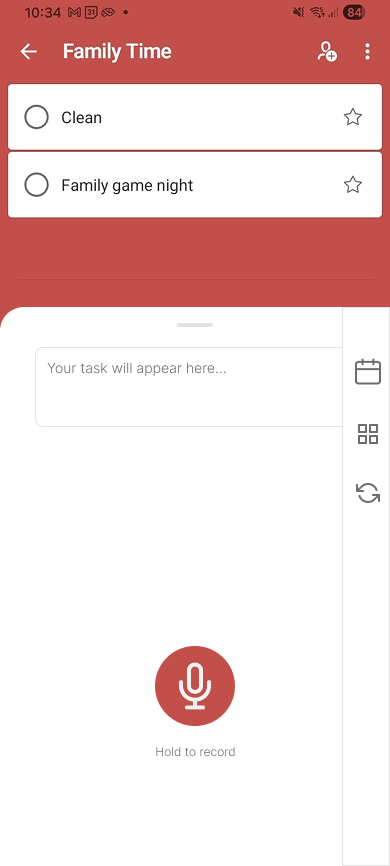
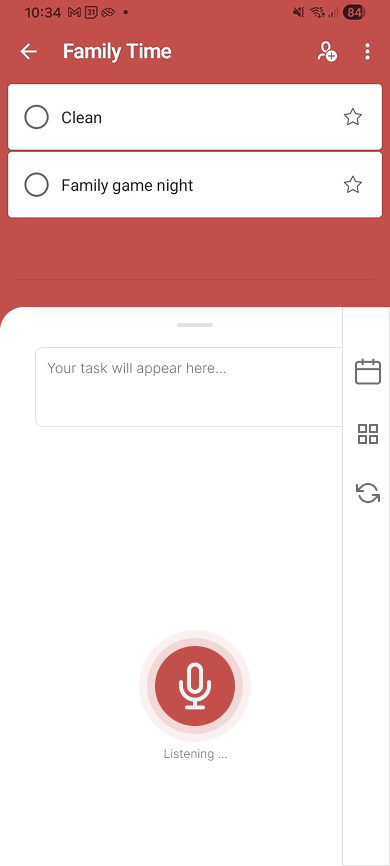
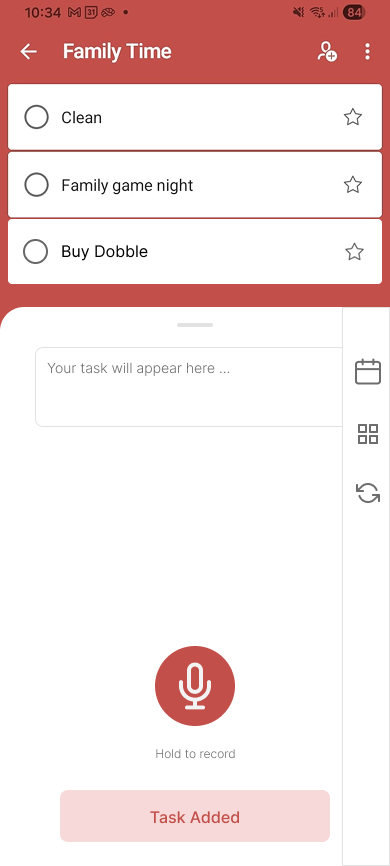
I developed the concept directly in Figma, working within Microsoft To Do’s existing interface rather than redesigning the app. The aim was to introduce a clear voice option that would allow users to create tasks when typing or interacting with their phone was inconvenient.

Voice Feature Design Exploration

Usability Testing

I conducted informal usability testing with the Figma prototype to see whether users could understand and complete the voice-based task creation process. The focus was on whether the voice option was easy to recognise and whether the interaction felt intuitive.

What I Tested

Participants were asked to use the prototype to add a task using the voice feature while I observed how they moved through the interaction.

View testing approach

Task
Add a new task using the voice feature.

What I observed
Whether users understood how to start and complete the interaction, and where they hesitated.

Goal
Identify points of confusion in the voice flow.

What I Learned

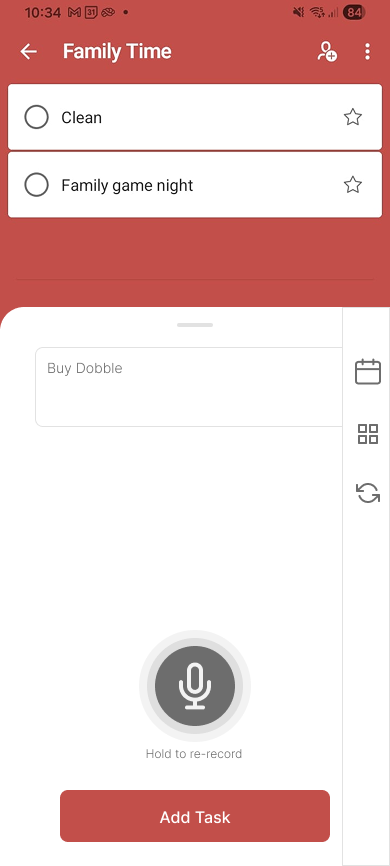
Testing showed that users needed a way to recover when voice input was incorrect or misunderstood. This led me to add a re-record option, giving users the ability to try again before confirming the task.

Outcome & Takeaways

The final concept introduced hands-free task creation while maintaining the familiar Microsoft To Do experience. Testing also highlighted the importance of error recovery, leading me to add a re-record option before task confirmation.

The project showed me that designing for voice isn’t only about removing physical interaction — users also need clear feedback, control and an easy way to recover when something goes wrong.